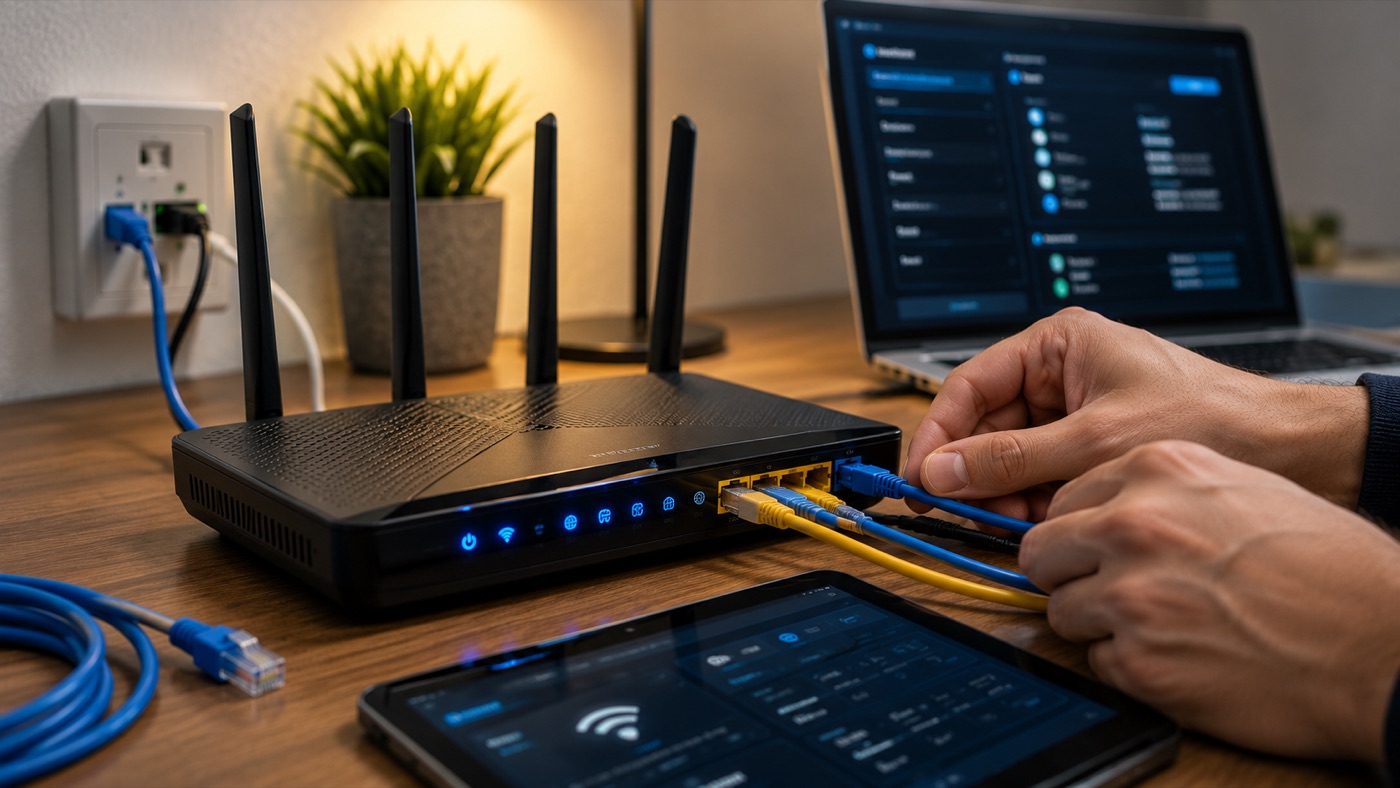
Slow or dropping Wi-Fi is one of the most common problems at home and in the office. Before changing your box or plan, here are the real causes and what actually works.
1. Where the box sits
A box on the floor, inside furniture or in a corner loses a lot of range. Placed high, in the open and fairly central, it covers far better. In practical terms, “high” means on a shelf or cabinet rather than behind a sofa; “open” means with space around it rather than inside a closed TV unit. A central position is one with fewer walls between the box and the rooms where Wi-Fi matters most.
The perfect centre of the flat is not always possible because the fibre or telephone socket fixes the starting point. Small changes still help. Keep the box away from a large television, metal shelving, a radiator and bundles of cables. Stand its supplied unit in the orientation intended by the provider, and do not cover its ventilation. Test the signal after each move instead of buying extra equipment immediately.
2. Too many devices, same band
Modern boxes broadcast on 2.4 GHz for range and 5 GHz for speed. Use 5 GHz for a laptop, television or games console in the same room or a nearby room: it usually provides the faster connection, but weakens sooner through walls. Use 2.4 GHz for a device farther away, an older connected object or a room behind several walls. It travels farther and penetrates obstacles better, although it is usually slower and more crowded.
Congestion inside the home is different from weak signal. A large download, cloud backup or 4K stream can consume much of the available connection even when every device shows full Wi-Fi bars. Pause those activities and retest. If performance immediately returns, box placement is not the main cause; the connection is being shared heavily. Connecting fixed, high-traffic equipment by Ethernet also leaves more wireless capacity for phones and portable devices.
3. Walls and distance
Concrete, thick walls and long distances weaken the signal. Haussmannian flats can be especially difficult: thick stone, dense plaster, old masonry, mirrors and metal structures absorb or reflect radio waves. A strong signal in the entrance can become unstable after only a few rooms. Keeping doors open may help slightly, but it does not solve a wall that blocks most of the signal.
A repeater is the modest option for one isolated weak room. It must sit where it still receives a clean signal from the box; placed inside the dead zone, it only repeats a poor connection. A mesh system is better when several rooms or floors need consistent coverage because its access points cooperate and present one network. It costs more and still needs sensible node placement.
Ethernet is the most stable answer for a desk, television or mesh access point. A cable avoids radio interference and gives a reliable backhaul, although running it neatly may require work along skirting boards or through existing conduits. CPL, also called powerline, sends the network through electrical wiring and can cross a difficult wall without a long visible cable. Its performance depends on the wiring: old circuits, separate electrical sections, extension leads and noisy appliances can make it inconsistent. Treat powerline as something to test in the actual flat, not as a guaranteed equivalent to Ethernet.
4. Interference and channels
In a Paris apartment block, many networks overlap. Your neighbours’ boxes may be transmitting on the same or adjacent channels, so a device can show good signal while pages stall or video calls break up. The 2.4 GHz band is particularly exposed because it has less room for neighbouring networks and is also used by many household devices.
Automatic channel selection is the best starting point because the box can choose based on what it detects. If the connection remains erratic at busy times, try a different channel through the box administration interface and compare results in the same place. Do not change several settings at once: one controlled change makes it possible to identify what helped. A manual channel may work well today and become crowded later as neighbouring networks change, so automatic selection can still be the more durable choice.
Bluetooth equipment, wireless cameras and some household appliances can add local interference. Distance is the simplest test: if Wi-Fi deteriorates only beside one appliance or when it is operating, move the box or the affected device before adjusting the entire network.
5. The box or line itself
If everything is slow everywhere, even next to the box, the issue may be the box, its cabling or the incoming line. Restarting the box once can clear a temporary fault, but repeated restarts are not a diagnosis. Check that connectors are firmly seated and look at the box status indicators for a reported line or service problem. If the provider reports an incident, adding a repeater will not help.
Also compare more than one device. One slow laptop with every other device working normally points to that laptop’s Wi-Fi adapter, software or network profile. The same slowdown on phones, computers and wired equipment points back toward the box or the connection.
6. Check the French ISP box settings
Whether you have a Free or Freebox Pop unit, an Orange Livebox, an SFR Box or a Bouygues Bbox, the same radio principles apply. A single network name with automatic band selection is usually the best starting point. Split the bands into separate names, where the box allows it, only when a laptop repeatedly chooses 2.4 GHz beside the box or an older device cannot connect reliably. In a crowded building, keep automatic channel selection enabled first and test a quieter manual channel only if the problem persists.
Provider interfaces and available options change, so use the local administration address printed on the box or described in its current documentation. Record the original setting before changing it. Security should remain on a modern protected mode supported by all the devices; do not weaken it merely to connect one old peripheral. For help connecting equipment without disturbing the rest of the network, see Wi-Fi and printer setup in Paris.
7. Test Wi-Fi separately from the line
A wired Ethernet comparison gives the clearest answer. Connect a laptop directly to a LAN port on the box, switch off that laptop’s Wi-Fi, then run the same practical test you use wirelessly: open the same site, download the same file or repeat a speed test with other heavy activity paused. First test beside the box over Wi-Fi, then from the room where the problem occurs.
If Ethernet is stable but Wi-Fi is slow even beside the box, focus on wireless settings, interference or the box’s radio. If Wi-Fi is good beside the box and poor only farther away, coverage is the problem; placement, Ethernet, a correctly positioned repeater or mesh can address it. If both Ethernet and nearby Wi-Fi are slow, the line, provider service, box or upstream cabling needs attention. Keep the results and the time of each test: they are much more useful to the provider or a technician than “the internet is slow.”
Need help?
I diagnose and optimise Wi-Fi at home and for businesses in Paris: placement, mesh, channels, security. See business IT support. Request a quote or 07 66 84 52 57.