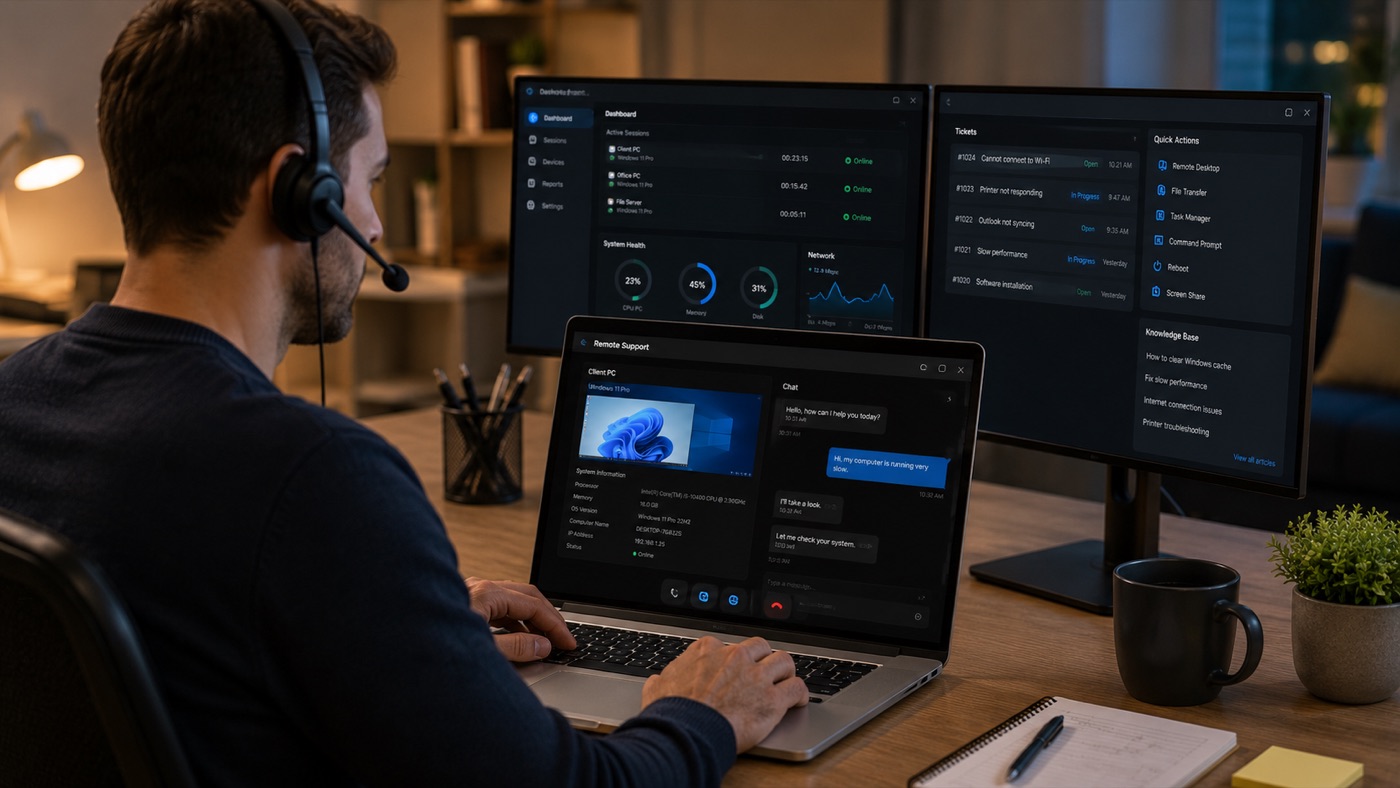
A tech-support scam starts by creating fear and urgency: a browser page claims that the computer is infected, or an unexpected caller says a serious fault has been detected. The safe response is the same in both cases. Stop the conversation, do not call the number shown, do not install anything and verify the claim through a contact route you find independently. A genuine-looking logo, caller name or technical phrase is not proof.
The fake browser warning is a web page, not a diagnosis
The typical alert fills the screen, plays an alarm or voice message and says that files, banking details or the whole computer are at risk. It provides a telephone number and warns against closing the page. A website cannot perform a trustworthy full-computer diagnosis merely because it is open in a browser. Its purpose is to make the phone call feel mandatory.
Do not call. Do not click buttons inside the warning, including a button labelled as a scan, repair or safe exit. Try closing the tab or browser through the browser controls. If the page prevents that, force-quit the browser through the operating system, then reopen it without restoring the suspicious tab. A normal browser session returning afterward is strong evidence that the alarming screen came from the page rather than from Windows or macOS.
Clear the site’s notification permission if alerts continue after the page is closed, and review unfamiliar browser extensions. Run the security check built into the operating system from its own settings. Do not download a scanner advertised by the same warning. If redirects or alerts return outside that site, arrange a malware-removal check to determine whether unwanted software is also present.
Treat an unsolicited support call as unverified
A cold caller may claim to represent Microsoft, Apple, an internet provider or a bank and say that errors, attacks or unusual traffic came from your computer. Do not rely on the displayed caller ID; it can be misleading. Companies do not prove identity by knowing your name, provider or partial account information, all of which may have come from old records or a data leak.
End the call without following instructions. If the claim concerns an account or service you use, find the official contact details on a statement, inside the provider’s account portal or on a website address you type yourself. Call back through that route and ask whether a real case exists. Never use a number dictated by the caller or included in the pop-up you are trying to verify.
A genuine support agent working on a case you initiated should be able to explain the purpose and scope of any action. Urgency, secrecy and pressure to keep the phone line open are reasons to stop. So is a request not to speak to a family member, colleague or bank.
Remote-access software is legitimate, but consent can be abused
AnyDesk, TeamViewer and Quick Assist are real remote-support tools. Their presence does not by itself prove fraud. The danger begins when an unverified caller persuades someone to install or open one, read out a session code, approve control or grant elevated permissions. Once another person can operate the screen, anything visible or accessible during that session may be exposed.
Do not start a remote session for someone who contacted you unexpectedly. For support that you requested, confirm the technician through an independently known contact method, ask what they need to do and remain present. Close private documents and account pages first. A legitimate remote IT support session should have a defined purpose and can be ended by the customer.
If the caller asks you to hide the screen, leave the computer, ignore security warnings or avoid telling your bank what is happening, disconnect immediately. Do not continue merely because the remote tool itself is well known. The tool may be legitimate while the person requesting access is not.
Gift cards and urgent transfers are red flags by themselves
A demand for gift cards, voucher codes, cryptocurrency or an urgent bank transfer is incompatible with normal consumer tech support. Stop before buying or sending anything. A request to split a payment, misdescribe it to the bank or move money to a supposedly “safe” account is also a reason to end contact and speak directly to the bank.
Do not accept the explanation that a refund requires you to send money first. Do not share one-time banking codes, card security information or a screen showing an online banking session. Payment pressure is not separate from the scam; it is one of its clearest identifying features.
If remote access has already been granted
Disconnect the affected computer from the internet immediately. Turn off Wi-Fi or unplug its network cable; do not keep the session open to argue with the caller. If necessary, shut the computer down. This ends the live route into the machine, although it does not prove that everything installed during the session has been removed.
Use a different, clean device to change the password of the primary email account first, because email often controls password resets for other services. Then change banking, shopping, cloud-storage and other important passwords. Use unique passwords and enable stronger sign-in protection where available. Check active sessions, forwarding rules, recovery addresses and recent security events for changes you did not make.
Contact the bank or card issuer through its official number if any financial information was displayed, entered or discussed. Ask it to review transfers and cards, and follow its fraud team’s instructions. Check bank and card statements for unauthorised activity, including transactions that may not look like computer support. Continue checking subsequent statements rather than assuming that no immediate charge means no exposure.
Preserve useful evidence such as the caller’s displayed number, messages, payment references and the name of the remote-access tool. Do not reopen suspicious files to collect more. A trusted technician should inspect installed applications, startup entries, browser extensions, user accounts and security settings before the computer returns to sensitive use. Removing the visible remote app alone may not undo other changes.
If money or personal information was sent
Contact the bank immediately and describe the event accurately as suspected fraud. Do not make another payment to someone promising to recover the first one; follow-up “recovery” approaches can be another attempt to obtain money or identity documents. If card details were shared, ask the issuer what action it requires. If identity documents were exposed, follow the relevant authority’s guidance and watch accounts for misuse.
How legitimate technical support behaves
A real technician does not diagnose an infection through an unsolicited alarm page and does not demand gift cards or secrecy. The technician explains the observed symptom, the checks being performed, what remote access permits and when the session ends. For on-site work, the service should still have a clear scope; physical presence is not a substitute for explanation.
Before allowing access, confirm that you initiated the request and that you are speaking through the service’s published contact route. Ask what will be inspected and whether files or passwords need to be visible. Passwords should normally be typed by the customer rather than dictated. For an independent second opinion or a clean-machine inspection in Paris, use a verified IT support contact, not a number supplied by the warning.
A short response plan
- Close the fake alert and do not call its number.
- End unsolicited calls and verify claims independently.
- Never grant remote control to an unexpected caller.
- Stop at any gift-card, transfer or secrecy request.
- After remote access, disconnect the computer and use a clean device for password changes.
- Check financial statements, contact the bank and have the computer checked before sensitive use.