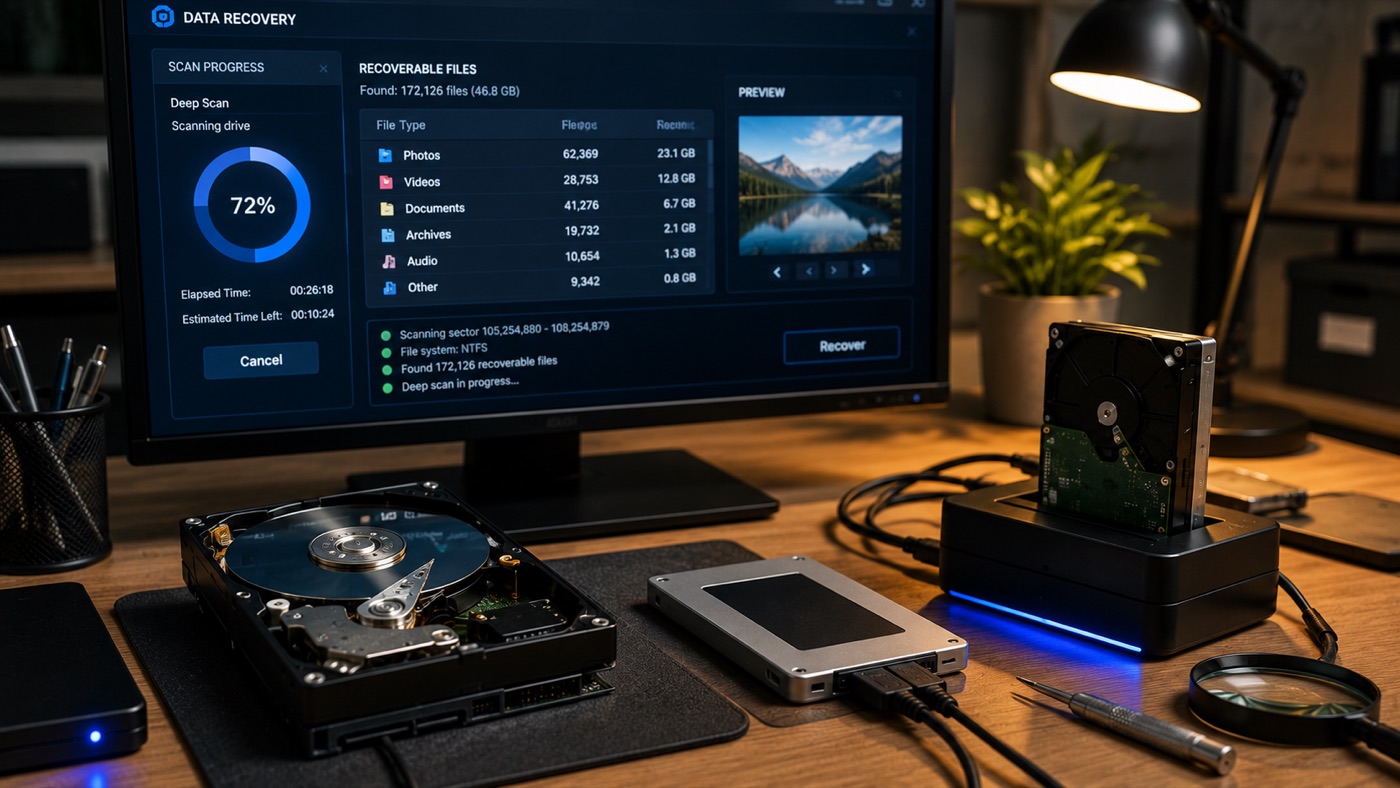
Stop using the affected drive as soon as important files disappear, Windows asks to format it, or a mechanical disk starts clicking. Do not keep restarting the computer, run a repair utility, or install recovery software on that drive. The safest next step depends on one distinction: is the failure logical, or is the hardware itself failing?
Logical failure and physical failure are different problems
A logical failure means the storage device can still operate, but the information that organises its data is damaged or missing. Common examples include deleted files, a corrupted filesystem, an interrupted operating-system update, a lost partition, or an accidental quick format. The files may still exist on the media even though Windows can no longer find them through its normal directory structure.
A physical failure means a component of the drive is no longer working reliably. On a hard disk, the motor, read heads, controller board, or magnetic platters may be involved. Clicking, grinding, repeated spin-up attempts, a drive that does not spin, or a device that appears and disappears are serious warning signs. An SSD has no moving parts, but its controller, power circuitry, or flash memory can still fail without making any noise.
Why a clicking hard drive should stay powered off
A mechanical hard drive works with read heads flying extremely close to rotating platters. If a head is damaged or cannot position itself correctly, every new power cycle makes it attempt the same operation again. Continued use can turn a limited fault into scratched platter surfaces, damaged heads, or a drive that can no longer initialise.
That deterioration matters because data recovery is not an unlimited sequence of attempts. A failing disk may have only a small window in which stable sectors can be read. Repeated boots, file copies, diagnostics, and antivirus scans consume that window while the weakest parts of the drive keep degrading. If the disk clicks, grinds, fails to spin, or has been dropped, disconnect it and leave it off.
When recovery software is appropriate
Recovery software can help with a genuinely logical problem on stable hardware. It may rebuild a list of lost files after deletion, locate an old partition after a quick format, or read around a damaged filesystem. Before using it, confirm that the drive makes no unusual sounds, remains recognised consistently, and does not freeze the computer during ordinary access.
Use a separate system and destination drive
Never install the utility on the affected disk and never save recovered files back to it. Installation files, logs, browser downloads, temporary data, and the recovered output can overwrite sectors that still contain the missing material. A controlled process reads from the source and writes results to a separate healthy drive. When the source is unstable, creating a sector-level image or clone may be safer than repeatedly searching the original.
Do not scan physically failing hardware
DIY software does not repair a damaged motor or read head. Running it can cause writes through the operating system, while a deep scan also forces the drive to read every possible area for a long, continuous pass. On a mechanical failure, that extra head movement and operating time can worsen the damage. The software may then recover less than a specialist could have recovered from a drive that had been powered off earlier.
SSD deletion and TRIM change the rules
Undelete advice written for hard disks often does not apply to modern SSDs and NVMe drives. A hard disk normally leaves deleted file contents in their original sectors until new data overwrites them. That gap is what traditional undelete tools exploit.
With TRIM enabled, the operating system tells the SSD that the flash pages belonging to a deleted file are no longer needed. The controller invalidates those pages and clears the underlying flash blocks through its internal erase process essentially immediately from the user’s point of view. Wear levelling and controller mapping also hide the raw flash layout. As a result, software that can restore a recently deleted file from an HDD will usually find no usable content on a trimmed SSD or NVMe drive.
Stop using the SSD anyway. TRIM behaviour can vary with the operating system, enclosure, filesystem, and device state, and recovery may still be possible when deletion is not the real problem. A corrupt partition table, failed update, controller fault, or untrimmed external device needs a proper diagnosis rather than an assumption.
Safe actions before asking for help
- Write down what happened before the files vanished, including any update, fall, power cut, or formatting prompt.
- Disconnect an external drive cleanly and avoid testing it on several computers.
- Do not initialise, format, defragment, repair, or run CHKDSK on a drive that contains the only copy.
- Keep the original device unchanged and prepare a separate drive for recovered files.
- If the computer still starts from another disk, avoid normal use until the affected storage has been assessed.
CHKDSK and similar filesystem tools are repair tools, not recovery tools. Their goal is to make the filesystem internally consistent, which can mean discarding damaged records or changing metadata. That may make a volume mount again while making later file recovery harder. Preserve evidence first; repair only after a clone or verified backup exists.
What a sensible diagnosis should establish
A useful diagnosis starts with the symptoms and the value of the missing data, then checks whether the device can be accessed without increasing risk. For a stable logical case, the next step may be controlled imaging and recovery to another disk. For an unstable or physically damaged drive, ordinary software work should stop.
Mechanical recovery requires specialist equipment, compatible donor parts, and cleanroom-grade procedures to open a sealed hard drive without contaminating its platters. This service does not claim an in-house cleanroom. Physical cases are referred onward to an appropriate specialist; the aim is to avoid unsafe experiments before that handoff. The broader data recovery service in Paris explains the practical assessment and referral route.
Recovery is not the same as repairing the computer
The first objective is to protect and extract the data. Reinstalling Windows, replacing the failed disk, or returning the computer to normal use comes later. If the machine also has boot, power, or hardware faults, a separate computer repair assessment can address those issues after the source data is safe.
No ethical technician can promise a recovery result before examining the media. The likely options depend on the storage type, failure mode, encryption, previous attempts, and whether data has been overwritten or trimmed. For service pricing, use the published pricing page; specialist physical recovery is assessed separately by the laboratory receiving the referred case.
Build the backup after the immediate problem
Once the important files are safe, create a backup system that does not depend on remembering to copy them manually. Keep working files on the computer, maintain an automatic local backup, and keep another protected copy away from the device. A synchronised folder alone is not enough because accidental deletion, ransomware, or corruption can synchronise too.
Test that a few files can be restored and disconnect or protect backup media when it is not in use. The useful backup is the one that survives the same theft, spill, electrical fault, or mistaken deletion that affects the computer. Until that system is working, treat the recovered copy as irreplaceable.