"No internet at all, been two hours" is one of the most common Monday-morning calls I get, usually from someone who has already spent twenty minutes on hold with their ISP and hung up frustrated, no answer in sight. Before you get back in that queue or dial a third time, five minutes of checks is usually enough to tell you where the fault actually sits: your ISP, the building, or simply your own computer. That single detail decides which number is worth calling, and it saves you from describing the same outage to three different agents.
The box's lights: what they actually mean
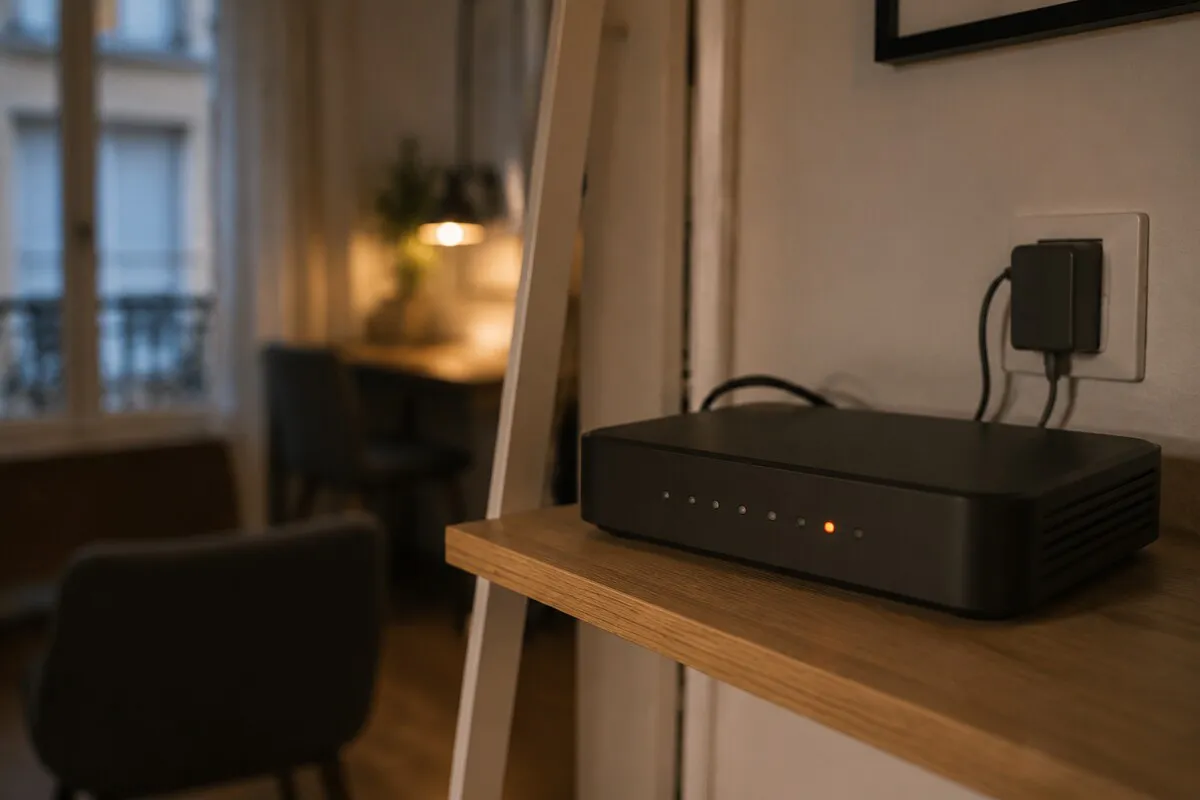
Every box has a row of small status lights on the front, and most people never really look at them. It's the first thing I check when I walk into a flat near Auteuil or Passy. An "Internet" or "WAN" light that's solid green (or white on some models) means the line is live all the way to your home. The same light blinking amber usually means it's still trying to sync. Red, or off while the box is powered on, most often points to an outage upstream — somewhere between the exchange and your flat.
The wifi light says nothing about the line itself: it can be off while wired internet works perfectly, often because someone disabled the box's wifi in favour of a personal router plugged in behind it. An off wifi light has never stopped an Ethernet cable from working.

The whole line, or just one device?
Before blaming the box, rule out the simplest and most common cause: a single device having a bad day. Try another laptop, a tablet, or the smart TV. If everything else in the flat has internet and only one machine is offline, that's not a line issue — it's a wifi adapter, a driver, or a network setting on that specific device, and there's no point calling the ISP about it. If nothing connects anywhere, wired or wireless, the fault is more likely to sit with the box or the line itself.
The test that settles it: plug in over Ethernet
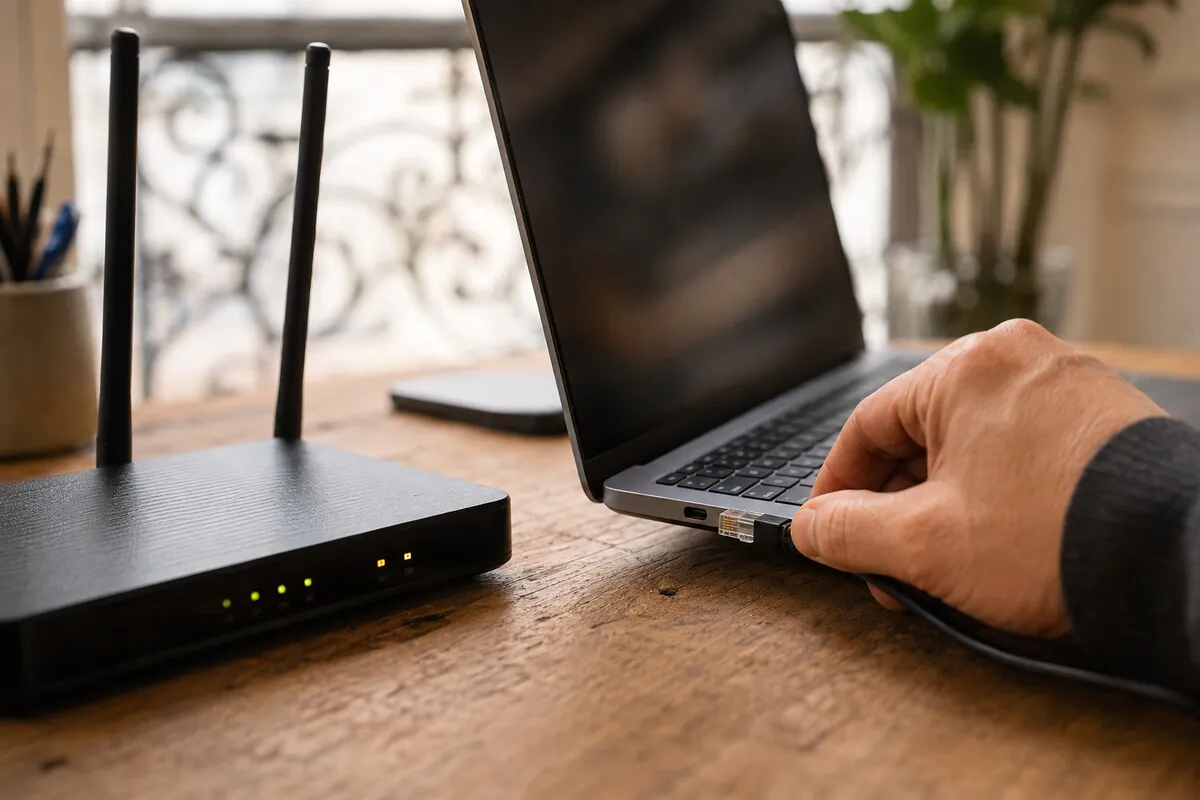
This is the single most useful check in this whole article, and the one almost everyone skips. Take an Ethernet cable — the one that shipped with the box will do — and plug it between one of the box's LAN ports and a laptop. If internet works over that wire, the line and the box are fine: the problem is your wifi or the device that couldn't connect. If it still doesn't work over Ethernet, the fault sits upstream of the box, and calling the ISP is genuinely the right next step. This test takes two minutes and stops you describing a "wifi problem" when actually the whole line is down.
Check the ISP's outage page, and ask the neighbours
Using your phone on mobile data (so off the flat's wifi entirely), check your provider's network status page — most major French ISPs publish one, and it's usually reachable through their account portal or app. A fault flagged across a neighbourhood or a whole building changes everything: there's no point calling, you just wait for the fix to land. In a Paris apartment building, the fastest read is often the building WhatsApp group or simply knocking on a neighbour's door — if three flats on the same landing are also down, the fault is almost certainly shared, not yours alone.
Rebooting the box properly — 30 seconds, not the app
A lot of people reboot the box from their provider's mobile app and consider that done. In reality that button mostly restarts the box's internal software, not necessarily all of its electronics. A real reset happens at the plug: physically disconnect the power, wait a full thirty seconds — not five — then plug it back in. Give the box three to five minutes afterward to fully resync the line; the lights often cycle through several states before settling. Cutting the power again too soon, or judging the fault "not fixed" after fifteen seconds, just restarts the whole cycle for nothing.
What your ISP will fix — and what it won't
The rule is simple, even if it's rarely explained clearly: your provider is responsible up to the socket — the line (fibre or copper) up to the wall terminal, and the box it supplied you. Past that point, it's no longer their territory. An Ethernet cable you ran through a wall yourself and terminated badly, a personal router or mesh extender added behind the box, a network socket left by a previous tenant that no longer works — none of that is covered by standard ISP phone support, however well-meaning the agent on the line is. It's exactly the kind of thing a proper wifi and printer setup avoids running into later.
When it's the building, or a shared Paris fibre distribution point
Paris has its own quirks here. In Haussmann-era buildings around the 16th, 17th or 8th arrondissement, some of the copper phone wiring is decades old, and a damp service duct in the common areas can take out several flats at once. On fibre, most Paris streets run through a distribution point shared between providers: if a card fails, or if a technician from another ISP accidentally disconnects your fibre while working on their own line — a common accident in shared cabinets — it can knock out several residents in the same building at once, sometimes for days. In that situation, neither you nor I can repair the line ourselves; only a technician sent by the ISP or the party managing that distribution point can work on it.
When it really is your PC or your wifi
If the wired test works fine but wifi stays patchy in certain rooms, that's not an outage — it's a coverage or configuration issue. I cover the causes and practical fixes in my guide to slow home wifi, and for Paris flats with thick load-bearing walls, in my slow wifi in a Paris apartment guide. And if internet itself is fine but one computer is sluggish at everything else, it's worth reading my 7 real causes of a slow computer before blaming the box a second time. On the other hand, if only a network printer has dropped off while everything else is fine, that's a different topic covered in my network printer not working guide.
What to have ready before you call your ISP
An ISP agent almost always opens with the same questions. Prepare the answers before you dial and you'll typically save fifteen to twenty minutes on the call: your line or account number (from a bill or the account portal, reachable on mobile data), the result of the Ethernet test, confirmation that you did a real thirty-second power-cycle rather than just an app reboot, and the exact state of the box's lights at the time of the call. Have your exact address ready too — if a technician visit ends up being needed, booking it goes faster.

When a local technician is faster than a third ISP call
Sometimes calling the same support line a third time genuinely stops being useful. If the wired test confirms the line works but the problem is still there once you step out of the living room — a bedroom, a home office, a basement — that's a wiring or wifi-coverage job to solve on site. Same for doubtful network sockets left by a previous tenant, or replacing the box with a better personal router without losing coverage in half the flat: a visit settles what a call centre can't diagnose remotely. I handle this kind of work through home IT support visits in Paris, usually between €70 and €100. For a wider issue affecting the computer too, my Paris IT support service covers both in one visit.
FAQ
How do I know if the outage is my ISP's fault or my own?
Plug a computer straight into the box with an Ethernet cable. If internet works over the wire, the line and box are fine and the problem is your wifi or the device. If it still doesn't work wired, check the box's Internet light and your ISP's outage page before calling.
Is rebooting the box from the app enough?
Not always. Rebooting from the app mostly restarts the box's software, not its electronics. For a real reset, unplug the power adapter for 30 seconds, plug it back in, then wait 3 to 5 minutes for every light to settle.
How far does my ISP's responsibility go?
Your ISP is responsible for the line up to the socket in your home: the fibre or copper feed up to the wall box, and the router it supplied. Wiring inside the flat, a personal router added behind the box, or weak wifi coverage in far rooms are not covered by standard ISP support.
What should I have ready before calling ISP support?
Keep your line number, the result of the wired test, confirmation of a real 30-second power-cycle of the box, and the exact state of its lights close at hand. That saves the agent from walking you through the first twenty minutes of basic diagnosis.