Protect Your Business from Cyberattacks: Paris Guide
Ransomware that locks up client files, a fake invoice that redirects a wire transfer, a password stolen in an unrelated data leak: Paris small businesses aren't too small to interest an attacker, they're exactly the kind of target that pays off. Here's what actually protects a business, in the order I put it in place.
Published on 4 Aug 2026 · Small business IT maintenance in Paris
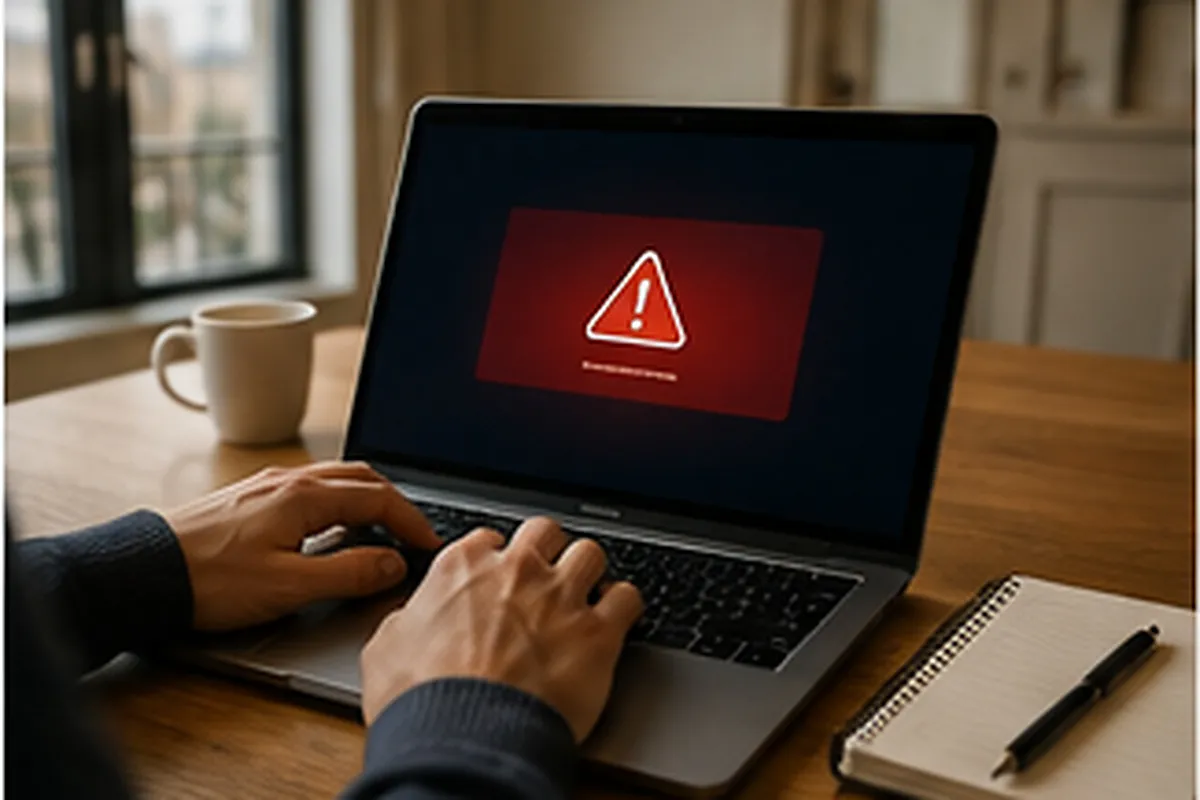
A boutique owner near Trocadéro called me on a Friday afternoon in March: her assistant had just approved a €9,000 transfer to a "new supplier account", sent by email from an address that looked almost identical to their usual printing supplier's, one character changed. The money was gone, and the bank couldn't reverse it once the transfer had gone through. That's not an isolated case: ransomware and phishing disproportionately target businesses under ten employees, because they almost always have fewer protections in place and nobody dedicated to IT security. Actually protecting a business doesn't take an enterprise budget or weeks of work, but it does mean putting the right measures in place, in the right order, before an incident rather than after.
The real threat picture for small businesses in Paris
Phishing almost always arrives by email: an invoice with new bank details, a message impersonating Microsoft or a delivery company, a follow-up that looks like it's from a real client whose own inbox has been compromised. The same trick works over the phone too, with a fake technician claiming to fix an urgent, supposedly infected computer; I've covered that variant in the article on tech support scams. Both rely on the same mechanism: manufacturing urgency so nobody stops to check before acting.
An architecture firm near Levallois called me on a Monday morning, every plan file encrypted overnight by ransomware that came in through an attachment opened the previous Friday. No backup had been tested in months; the one that existed, on an external drive left permanently plugged in, had been encrypted along with everything else. Rebuilding meant piecing files back together from email attachments and versions already sent to clients, several working days lost. Ransomware never stops at one machine: it spreads for as long as it finds shared folders it can reach, which is why network segmentation and backups genuinely disconnected from the main network matter as much as the antivirus itself.
Weak, reused passwords remain the most common way in: a password stolen from an unrelated service, sold or leaked online, gets tested automatically against dozens of other accounts, including business email. Outdated systems make it worse: an old Windows 10 machine still in daily use, or a computer too old to receive security patches, leaves known, documented flaws wide open. If part of your equipment is six or seven years old or more, the article on repairing versus replacing an old computer helps decide machine by machine, before it turns into an emergency.
The protections that actually matter, ranked by cost versus benefit
There are dozens of possible measures, but in a small business, the order matters as much as the list itself. Here are the eight protections I put in place first for my Paris clients, from cheapest to most involved, ranked by what they actually prevent rather than by reputation.
1. Two-factor authentication, the cheapest protection there is
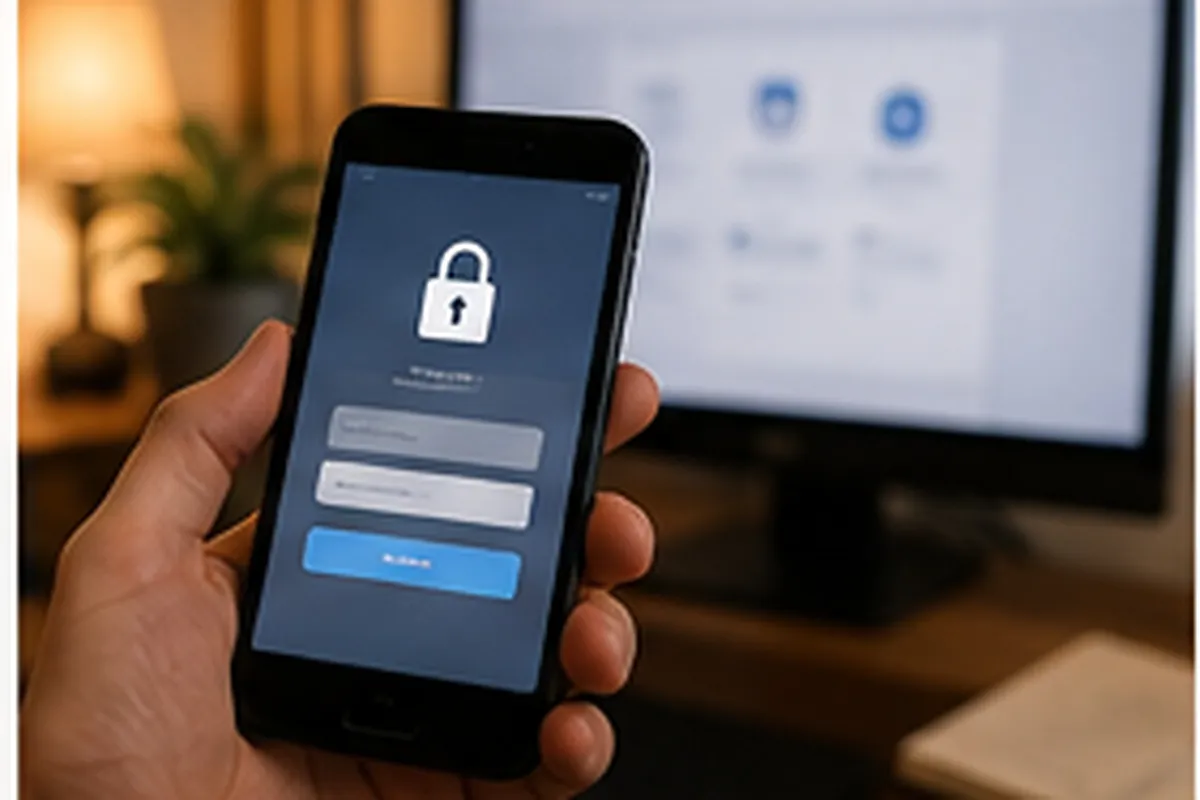
This is the best protection-to-effort ratio available: free or nearly free on business email, cloud tools and banking access, it blocks the vast majority of fraudulent logins even when a password has leaked elsewhere. On Microsoft 365, turning it on for the whole team usually takes under an hour; it's one of the first things I check during a Microsoft 365 support visit in Paris. Use an authenticator app rather than SMS codes, which are easier to intercept.
2. Updates, on every machine, no exceptions
Most ransomware exploits flaws the vendor already patched, sometimes months earlier. A machine that's been showing "update postponed" for weeks is a door left ajar. Automate updates for Windows, macOS and line-of-business software instead of relying on every employee clicking "install later" at the right moment. I've covered the full process in the guide to keeping a computer updated.
3. 3-2-1 backups, tested, not just present
A backup that's never actually been restored isn't a guarantee, it's a hope. The 3-2-1 rule is still the reference: three copies of your data, on two different types of storage, with at least one copy off the main network. An external drive left permanently connected to the same network gets encrypted along with everything else during a ransomware attack, exactly like the architecture firm mentioned earlier. I cover the full setup, including for a small-business budget, in the article on how to back up important data. Plan for at least one restore test per quarter: that test is almost always what's missing.
4. A password manager for the whole team
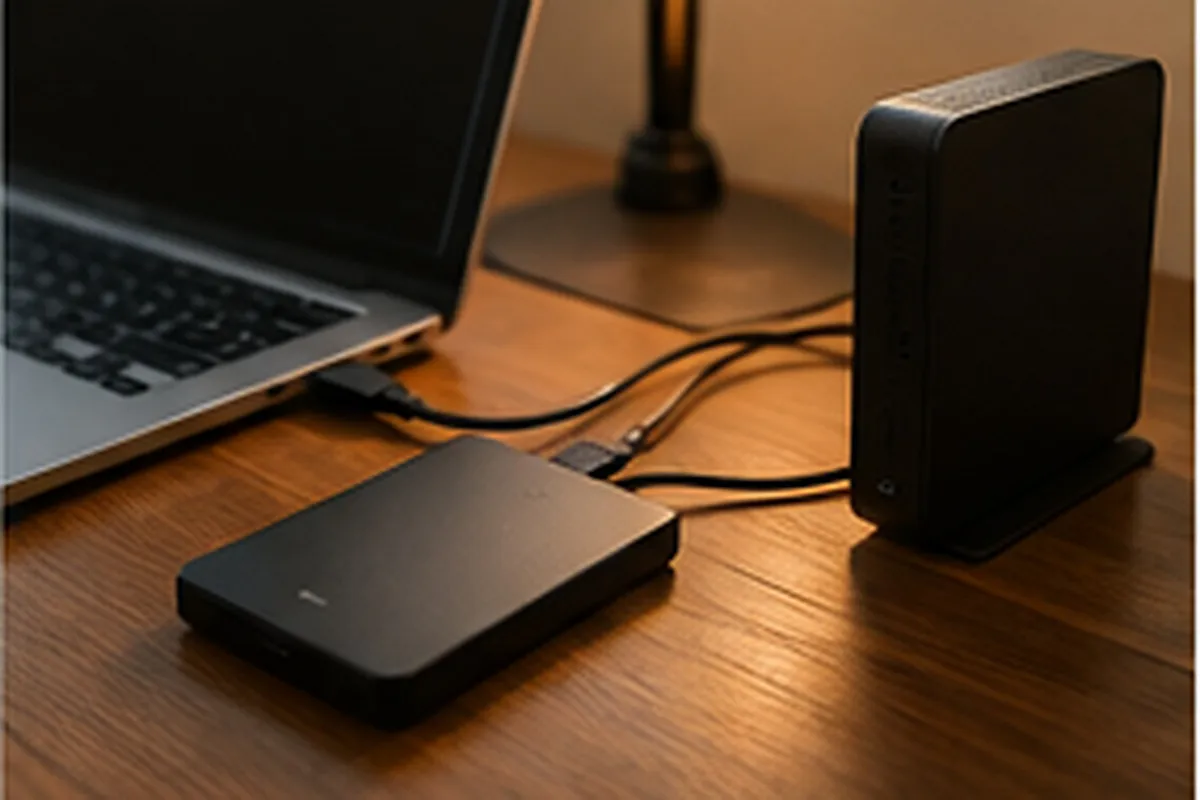
Remembering fifteen unique, complex passwords isn't realistic for anyone, which is why almost everyone ends up reusing the same variation everywhere. A shared team password manager (Bitwarden, 1Password, or the one built into Microsoft 365) generates and stores a different password for every service, with a single master password to remember. Budget one to two hours to roll it out and train the team.
5. A firewall and a properly segmented network
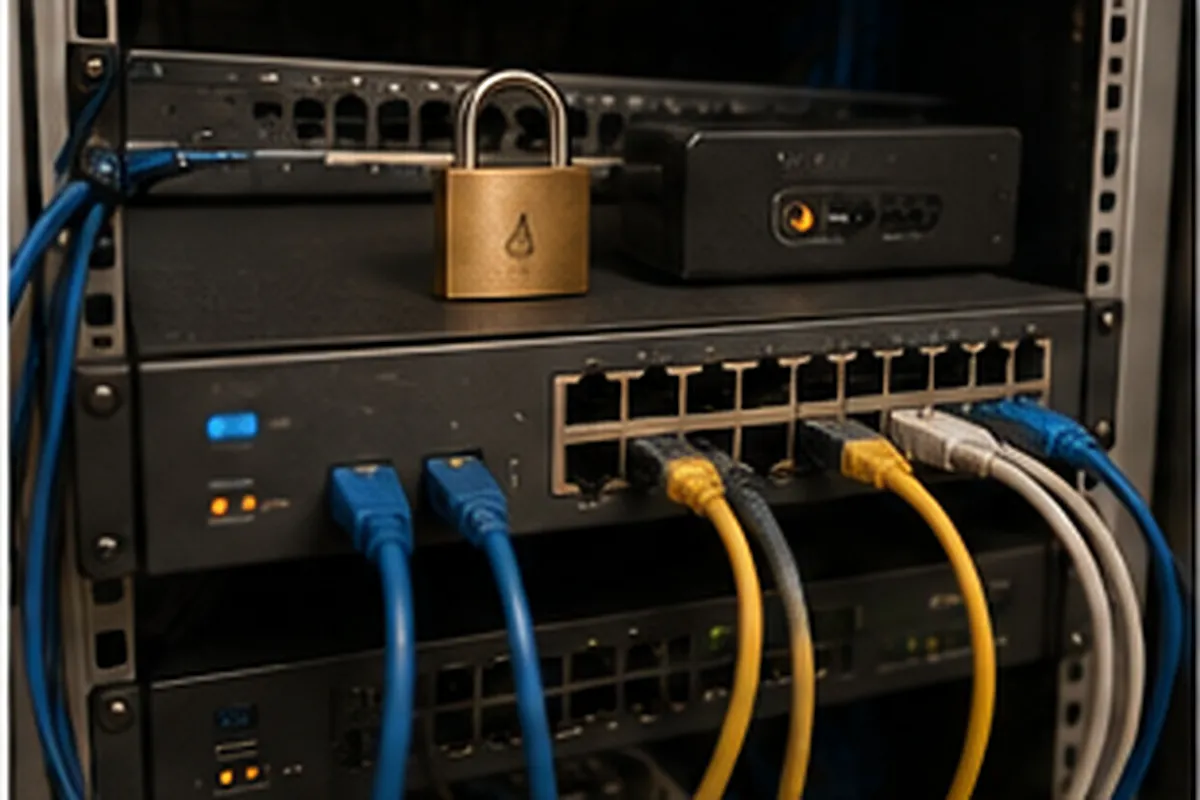
The router's built-in firewall rarely holds up on its own in an office with several machines: a proper firewall, or at minimum a correctly configured router, filters incoming traffic and limits what a compromised machine can reach on the rest of the network. Separating the guest network from the business one, and isolating the networked printer and accounting machines on their own segment, stops ransomware from spreading from one machine to the whole office. I've dedicated a full article to this in the guide to securing a business Wi-Fi network.
6. Staff awareness, the cheapest protection and the most overlooked
The best technology doesn't stop a rushed employee clicking without checking. A thirty-minute session, twice a year, showing what a real fake invoice or a fake tech-support call actually looks like, measurably changes how many risky clicks happen. Show the real examples the business itself has received. Build in one simple habit too: any request to transfer money or change bank details gets confirmed by phone, on a number known in advance, never by replying to the same email.
7. A proper antivirus or EDR, not the free consumer version
A free consumer antivirus catches known threats but rarely reacts to suspicious behaviour in real time, which is exactly what ransomware needs to encrypt files before being noticed. A professional solution (EDR) watches behaviour, not just signatures, and can isolate a machine automatically. If a machine is already infected, the steps to clean it are covered in the guide to removing a virus from an infected computer.
8. Access limited to what's actually needed
No employee needs administrator rights on their own machine, or access to every shared folder in the business. Limiting each account to what it actually needs reduces what ransomware or a compromised account can reach. Remove an employee's access, email included, the same day they leave: that's a common gap that leaves an active account for months without anyone noticing.
What I check during a cybersecurity audit
An on-site audit starts with a full inventory: how many machines, which operating systems, which software, which cloud accounts, using the same tools I use for day-to-day work, detailed in the article on an IT technician's toolkit. Next comes a check of pending updates, a real restore test of the backups, a review of Wi-Fi and firewall settings, and a check of user access. For a growing business considering a local server, I also put together a budget estimate, detailed in the article on server installation costs for a small business. The audit ends with a written report ranking fixes by priority, not a list of thirty items with no order.
What real protection costs in 2026
For a business with three to eight machines, an initial audit runs €150 to €300. Setting up two-factor authentication and a team password manager typically costs €150 to €350, including training. A proper backup setup, with cloud storage sized to your needs and an initial restore test, runs around €20 to €60 a month. A business-grade firewall, properly configured, is a one-off cost of €250 to €800, installation included. For ongoing coverage, a small business IT maintenance contract starts around €80 to €150 a month for under ten machines, updates included.
When to call a technician instead of handling it alone
Some signs don't leave room to wait: files suddenly unreadable or renamed with an unfamiliar extension, a ransom note on screen, suspicious sign-ins on a business account. In those cases, urgent IT troubleshooting in Paris limits the spread before it reaches other machines. Outside of an emergency, if your business has never had an audit or nobody's sure who has access to what, a full review beats waiting for the first incident. Most of my clients call me after a scare; the ones who call before always come out cheaper.
Frequently asked questions about protecting a business from cyberattacks
How much does a cybersecurity audit cost for a small business in Paris?
Expect to pay between €150 and €300 for an on-site audit covering one to five computers: an inventory, a check of pending updates, a test of your backups, a review of Wi-Fi and password practices, and a report ranking fixes by priority. Beyond ten machines, or with a server involved, pricing is worked out case by case.
Is two-factor authentication enough to protect my business?
No, but it's the cheapest measure with the best protection-to-effort ratio: it blocks the vast majority of fraudulent login attempts even when a password has already leaked. It sits alongside updates, tested backups and basic email vigilance, it doesn't replace them.
What should I do immediately after a ransomware attack?
Disconnect the affected machine from the network and Wi-Fi without shutting it down if possible, to preserve evidence useful for analysis. Do not pay the ransom before checking the real state of your backups. Bring in a technician to isolate the other machines and restore data from a clean backup rather than from the infected computer.
Is a business with three or four employees really a target?
Yes, often more so than a large company: ransomware and phishing attacks are largely automated, targeting email addresses and known software flaws rather than company size. A small business with few protections in place is an easier, more profitable target.
Want a full cybersecurity audit for your business in Paris? Call or message me at 07 66 84 52 57, by phone or WhatsApp. I come on site, check what actually matters and leave you with a clear action plan, no unnecessary jargon.